



For people who code with more than one AI
Every account. Every limit.
One menu bar icon.
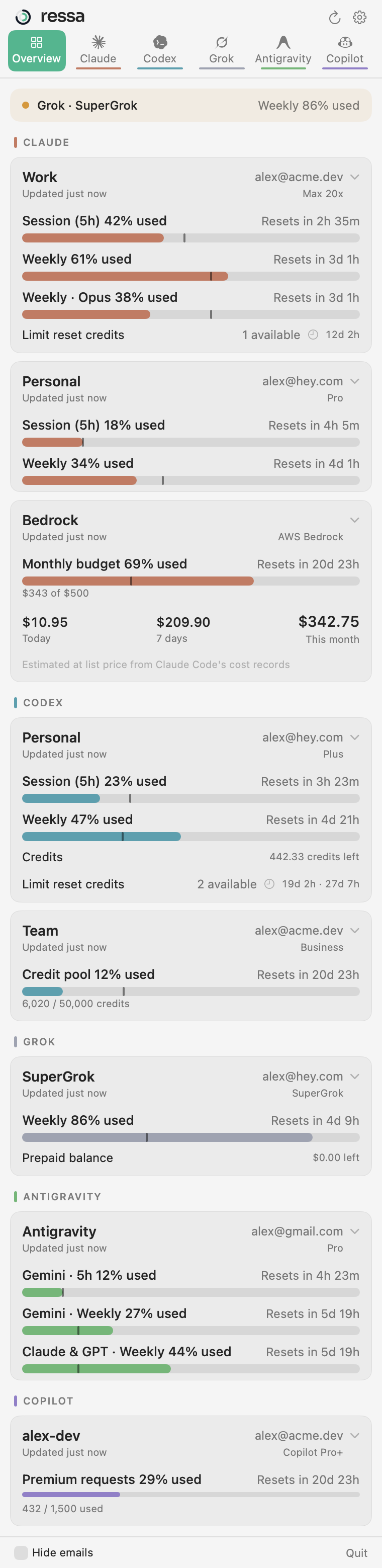
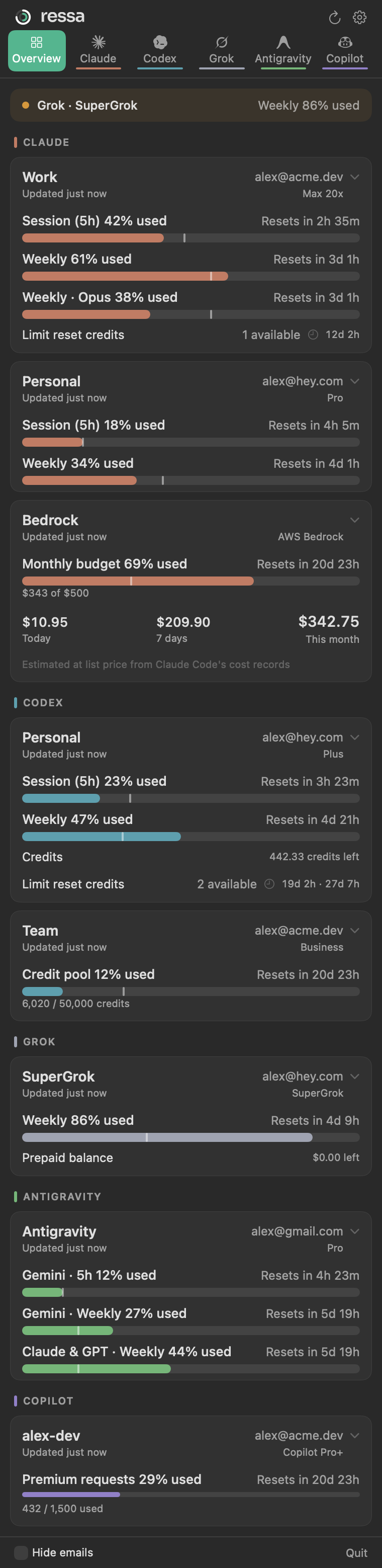
Ressa tracks your usage limits across Claude, Codex, Grok, Antigravity and GitHub Copilot — every account, every window — and shows what pay‑as‑you‑go Bedrock usage is really costing you.
Requires macOS 14 Sonoma or later · Native Swift · No account, no telemetry
Works with the tools you already use
 ClaudePro · Max · Team · Bedrock · Vertex
 CodexPlus · Pro · Business
 GrokSuperGrok
 AntigravityGoogle sign‑in or agy CLI
 CopilotPro · Pro+ · Enterprise
Multiple accounts per provider
Work, personal, team — all side by side.
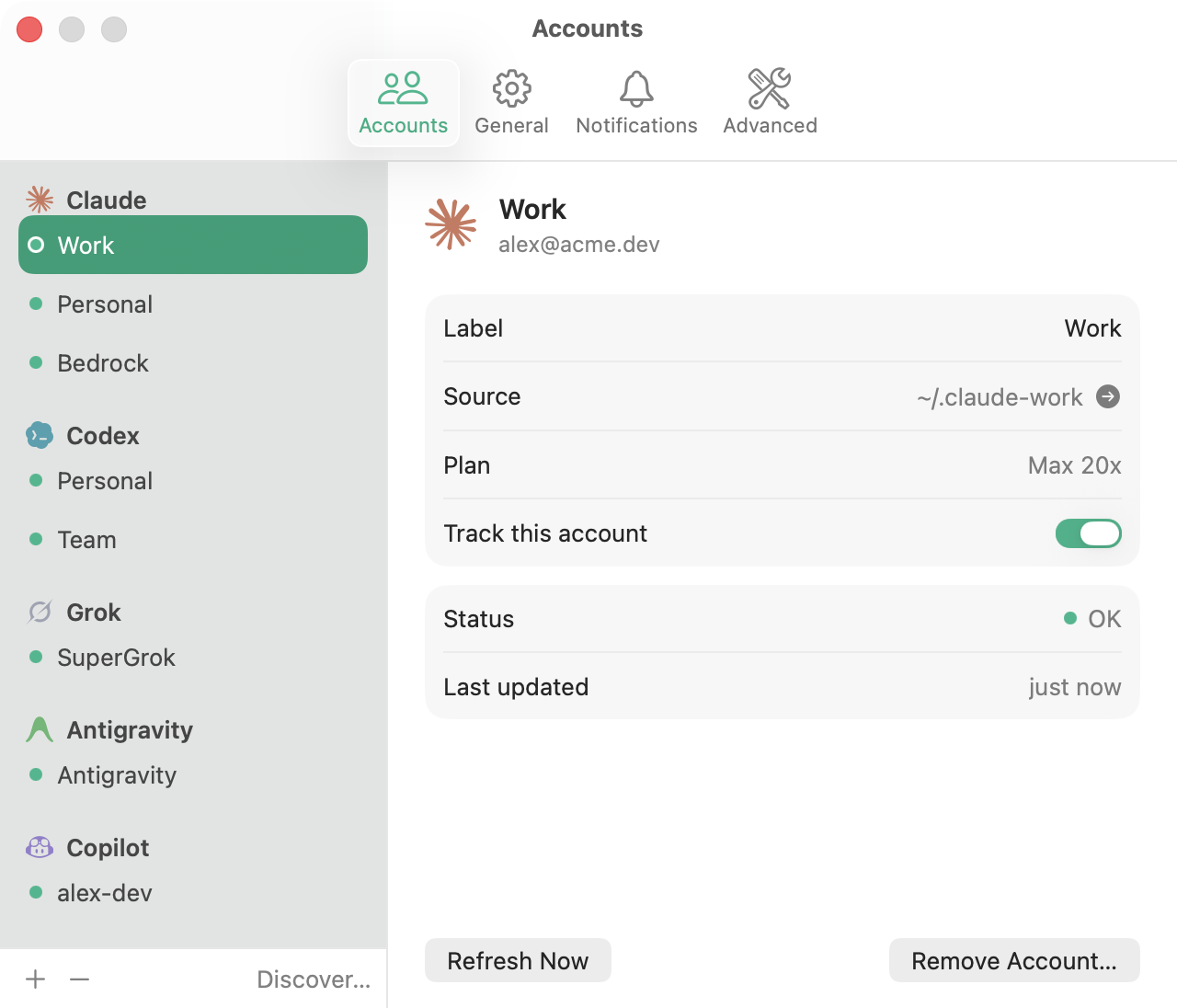
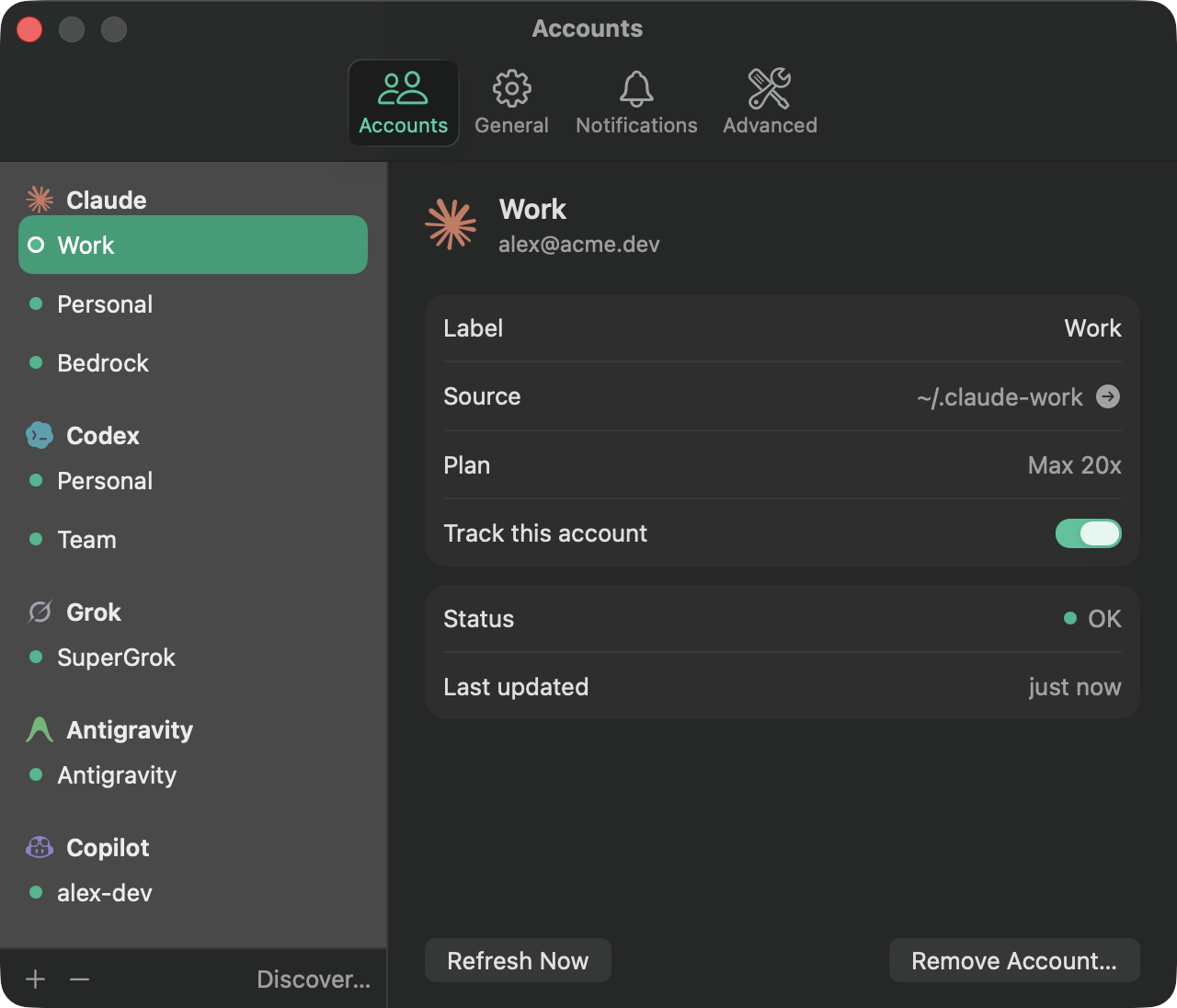
Point Ressa at each CLI profile you already use — ~/.claude-work, a second CODEX_HOME, a GitHub Enterprise account — and see every one at once. On first launch it finds the profiles on your Mac and offers to add them.
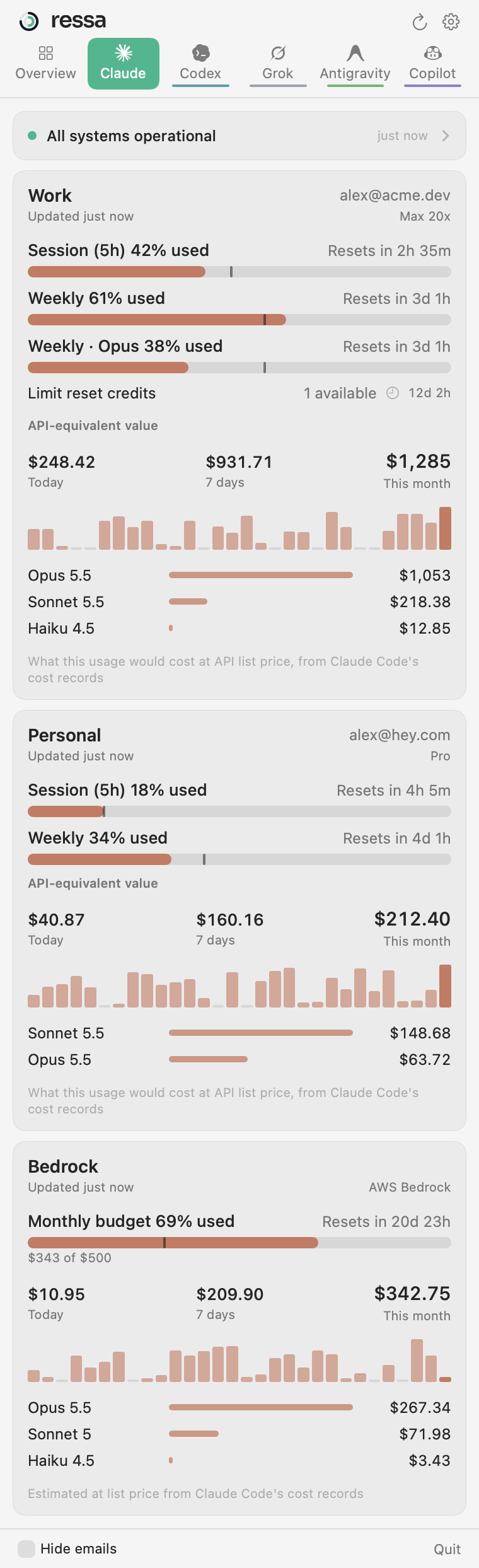
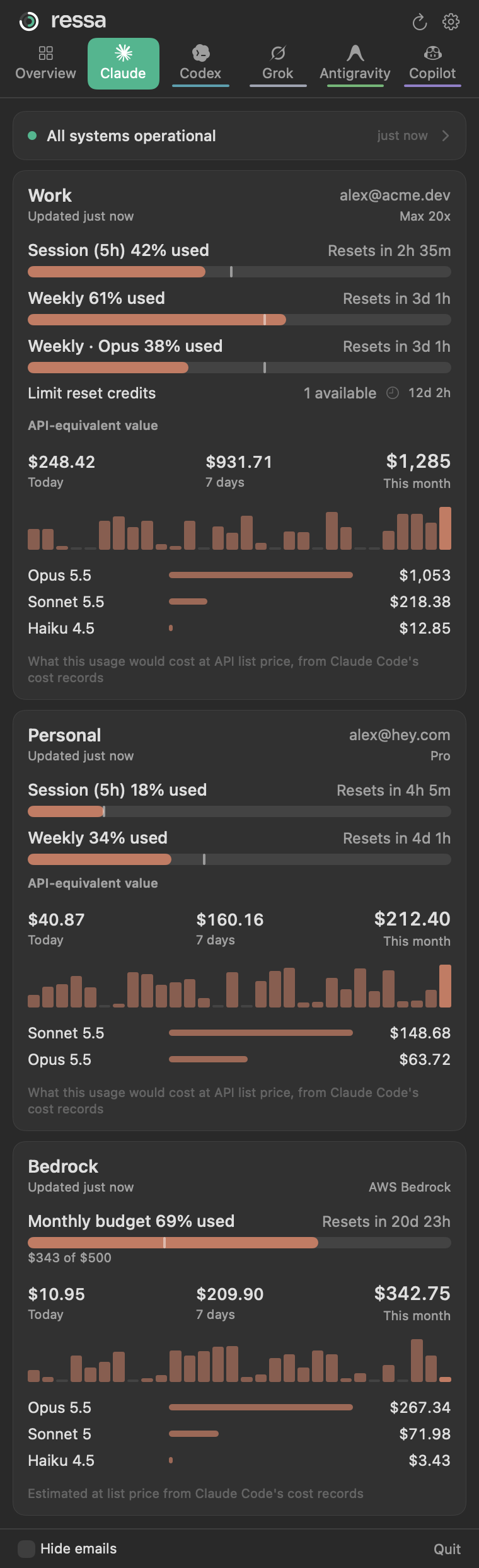
- Session, weekly, per‑model and monthly windows with reset countdowns
- A pace marker shows where you'd be if usage were spread evenly
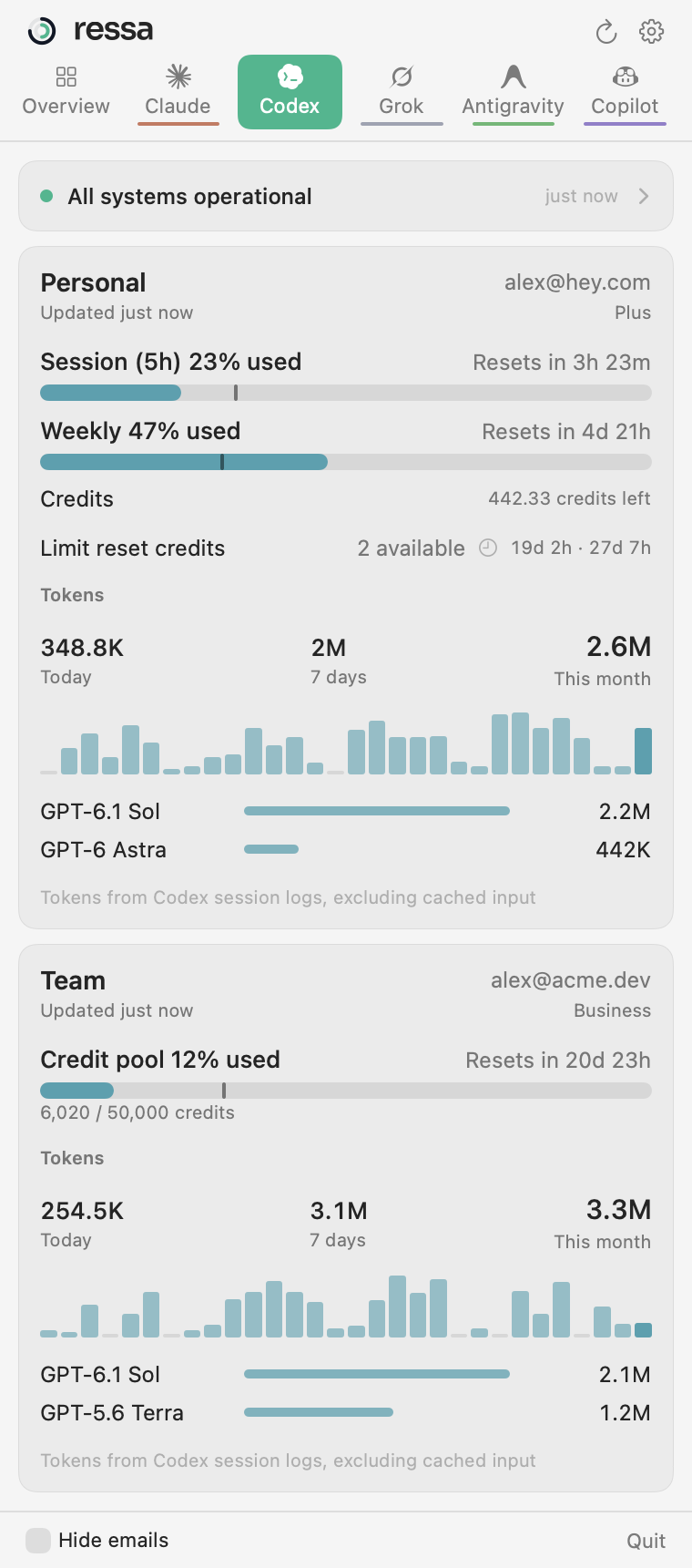
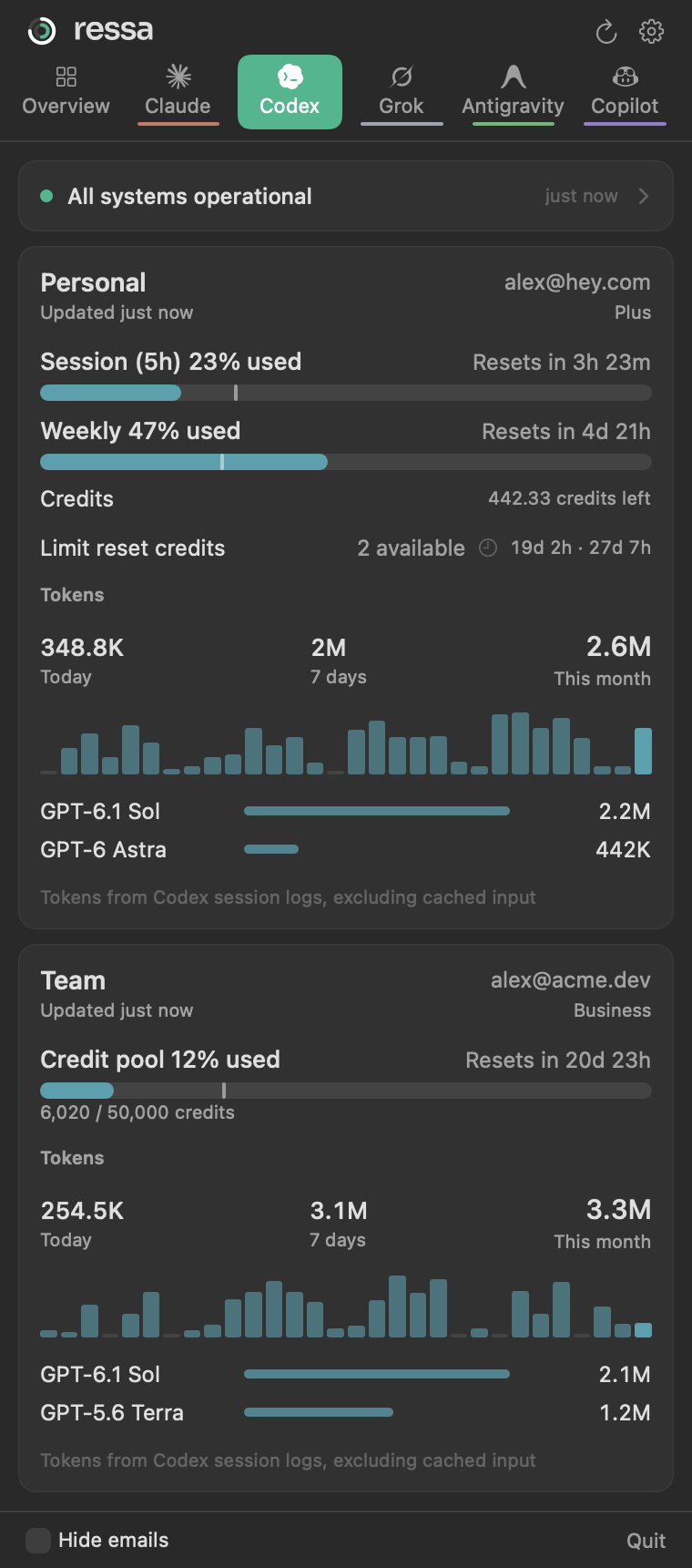
- Credits, prepaid balances, Business credit pools and premium requests
- When a login expires, Ressa tells you the exact command to fix it
Pay‑as‑you‑go spend
Know what Bedrock is costing you — before the invoice does.
Claude Code profiles that run through AWS Bedrock or Google Vertex don't have plan limits. They have a bill. Ressa reads Claude Code's own cost records on your Mac and shows spend for today, the last 7 days and the month, by model.
- Set a monthly budget and get a usage bar, pace marker and alerts
- Figures match what
/costreports, at list price - Subscription profiles show their API‑equivalent value too
- No cloud credentials, no billing APIs — it never leaves your Mac
Alerts, not another dashboard
The icon changes when something does.
Your CLIs already show live usage, so Ressa doesn't repeat it. The icon turns amber when an account reaches your warning level or a free limit reset is about to expire, and red when one is close to its limit. Open the menu and it goes back to normal until the next change.
All clear
Looks like every other icon in your menu bar.
Heads up
An account just reached your warning level, or a reset credit expires within 3 days.
Near the limit
Something crossed your critical level. Usage bars turn red too.
Needs a fix
A sign‑in expired or access is needed. The card shows what to run.
A tab for every provider
Go deeper when you want to.
Each provider gets its own tab with its service status and a 30‑day view of what you actually used — read from the logs your tools already keep.
- Codex: tokens by model, plus free limit‑reset credits and when they expire
- Claude: API‑equivalent value and spend by model
- Copilot: the AI units your premium‑request quota counts
- Status: live component status and open incidents
Also included
Limit reset credits
See how many free resets your Codex and Claude accounts have, and get a nudge before they lapse.
Service status
Claude, OpenAI and GitHub status, filtered to the parts that affect you. Resolved noise stays hidden.
Notifications
Alerts at the levels you choose — once per crossing, not every refresh — plus resets and expired logins.
Hide emails
One switch for screen sharing and recordings.
Light on resources
Native Swift. Idles at 0% CPU and reads logs incrementally.
Launch at login
Set it up once and forget about it.
Privacy & safety
Read‑only by design.
Ressa sits next to your coding tools, not on top of them.
- Never touches your CLIs' credentials. It doesn't write, refresh or rotate tokens owned by Claude Code, Codex, Grok, agy or the Copilot CLI — and never writes to their folders.
- Your secrets stay in the Keychain. Ressa's own sign‑ins are stored in the macOS Keychain on this device only.
- No surprise prompts. Keychain access is only requested when you click, never in the background.
- No telemetry, no servers. Ressa talks only to the providers' own usage endpoints and public status pages.

Get Ressa
Ressa is in private beta. Public downloads are coming soon.
Coming soonmacOS 14 Sonoma or later